

What the game is
The memory game, also called Concentration or Pairs, is played with cards laid face down in a grid. Every picture appears on exactly two cards. On each turn you flip two cards: if they match, they stay face up, and if they do not, they turn back over and you have to remember what you saw and where.
There is nothing to lose here and no opponent to beat. You are finished when every pair is found, and how quickly or efficiently you get there is the measure of the game. It is simple to learn, and a fun way to practice paying attention.
How to play
- Look at the grid. Every card is face down, laid out in rows and columns.
- Flip one card, then flip a second one.
- If the two pictures match, you have found a pair and they stay face up.
- If they do not match, they turn back over. Note both pictures and their positions.
- When you flip a card whose twin you have already seen, go straight to the twin.
- Carry on until every pair has been found.
Beginner tips
- Spend the early turns on unseen cards. Each new card you reveal is information, and repeating cards you have already seen teaches you nothing.
- Collect pairs you have already located. If you have seen both cards of a pair, take them as soon as you can.
- Name positions in words. Saying "second row, third card" holds better than a vague feeling about where something was.
- Pay attention to the second card too. Even when a flip does not match, the card you revealed second is worth remembering.
- Go slowly at first. A rushed wrong guess costs a turn and gives you little back.
Strategy to improve
Explore in a fixed order
While you are still uncovering the board, flip unseen cards in a steady sweep, such as left to right along each row. It stops you wasting flips on cards you have already seen, and it makes positions easier to recall because you scanned them in a pattern.
Divide the board into zones
Do not try to hold the whole grid in your head at once. Treat the four corners, or each pair of rows, as a unit. When a card turns up whose twin you have seen, you only need to think about the zone where it was.
Attach a short story to each picture
Linking a picture to its location with a mini-story works well: "the dog is next to the corner". The stranger the image, the better it sticks. Even a one-word label for each picture is quicker to hold than a bare image.
Prioritize recent information
On a big board you will not remember everything, and that is fine. Cards you saw in the last few turns are the ones you can rely on, so use them first and let older memories fade rather than straining to keep all of them.
Watch for look-alikes
Larger boards use more pictures, and some can look alike, such as hearts in different styles or similar symbols. When you see a card, notice the small detail that distinguishes it, so two similar cards are not confused for a pair in your memory.
Match your approach to the board size
On a small board with eight pairs, plain sweeping and a good short-term memory are enough. As the grid grows to dozens of pairs, zones and labels become essential, and it is worth accepting that you will make more misses. Play a few small boards first to build the habit before you scale up.
Use any preview
If a game shows every card for a moment at the start, do not try to memorize everything. Pick a few anchor cards, such as one in each corner, and treat the rest as a bonus.
Common mistakes
- Flipping the same few cards over and over because they are the ones you remember.
- Trying to memorize every card at once.
- Rushing, and flipping without a plan.
- Jumping around the grid so that you cannot recall in what order you saw things.
- Losing track after a long run of misses, instead of pausing and re-scanning the board in order.
Playing Memory Game in Gaming Room
Playing
The cards are emoji. Tap a card to flip it, then tap a second. A matching pair stays face up. A non-matching pair flips back after about a second and a half, and while two cards are showing, taps on other cards are ignored. The top of the screen shows how many pairs remain and a duration timer.
Start of each game
Every new game begins with all the cards face up for 3 seconds, then they flip face down and the timer starts. Wait for the flip before you tap.
Board sizes and the menu
The ⋯ menu in the app bar sets the size: 4x4 (8 pairs), 6x6 (18 pairs), 8x8 (32 pairs) or 10x10 (50 pairs). The first game is 4x4. This menu is the only way to start a new game, including another game at the same size: just pick a size again. There is no New Game button. If a game is in progress, the app asks you to confirm giving it up. Larger boards add more kinds of emoji, and some look alike, such as hearts and check marks.
Finishing
You win when every pair is found. There is no way to lose, and no move limit. The result screen shows "You win!" with your time. Its OK button appears after about 5 seconds, and an interstitial ad may appear when you close it.
Leaving and coming back
If you leave an unfinished game and return while the app is open, you continue the same board. Nothing is saved to the device: there are no high scores or best times, and closing the app discards the game.
Frequently asked questions
How many cards are on each board?
Gaming Room offers 4x4 (16 cards, 8 pairs), 6x6 (36 cards, 18 pairs), 8x8 (64 cards, 32 pairs) and 10x10 (100 cards, 50 pairs). Choose the size from the ⋯ menu.
How do I start a new game?
Open the ⋯ menu in the app bar and choose a size. It is the only way to start a new game, even at the same size, because the app has no New Game button. If a game is under way, you are asked to confirm first.
Why are all the cards shown at the start?
Every game begins with all cards face up for 3 seconds before they flip back down. Use that moment to anchor a few positions rather than memorizing the whole board, and wait for the flip before you tap.
Is there a time limit or a move limit?
No. The timer is just a stopwatch that shows how long you took, and you cannot lose. A game ends only when every pair is matched.
Is it all luck?
The first flips are luck, because you have no information. After that, scanning in an order, naming positions and focusing on recently seen cards make a clear difference.
Written by Casa do Zéps and checked against the current version of the app. Game names such as Pacman, Tetris and Wordle are trademarks of their respective owners and are used here only to describe familiar kinds of game. Gaming Room is an independent app and is not affiliated with or endorsed by them.
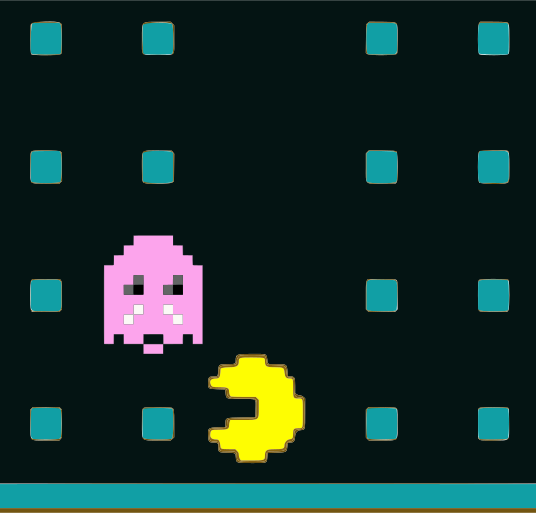 Pacman
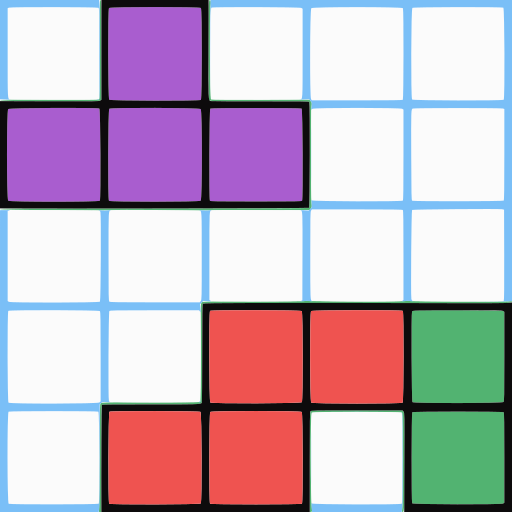 Tetris
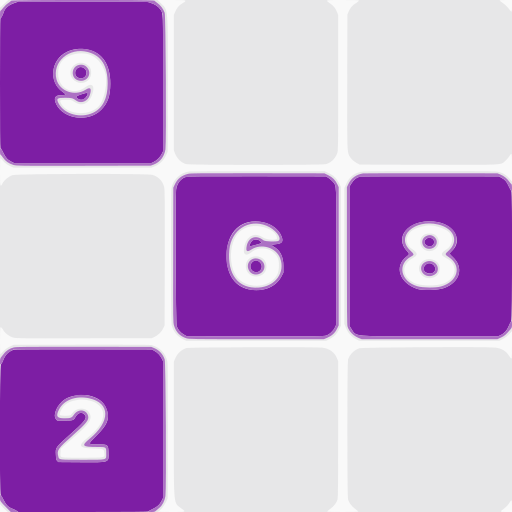 Sudoku
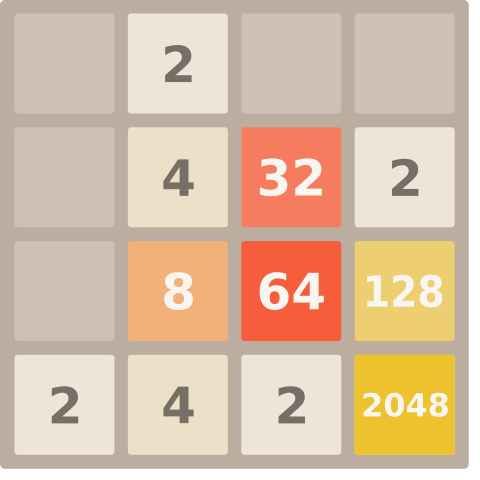 2048
 MineSweeper
 Solitaire
 Peg Solitaire
 Labyrinth
 15-Puzzle
 Wordle
 Snake